Store - View Core: OxWall 1.9.1 Complete Package
memberads+item_view_images
OxWall 1.9.1 Complete Package
Latest version of OxWall, 1.9.1 Build 11900
Modified by owspain.com with many improvements and all libraries updated.
If you want to upgrade from a previous version, there is another package, OxWall 1.9.1 Update Package, which is only for new installations.
It is distributed in a single ZIP file.
PHP version 8.1 or higher is required.
Installation process:
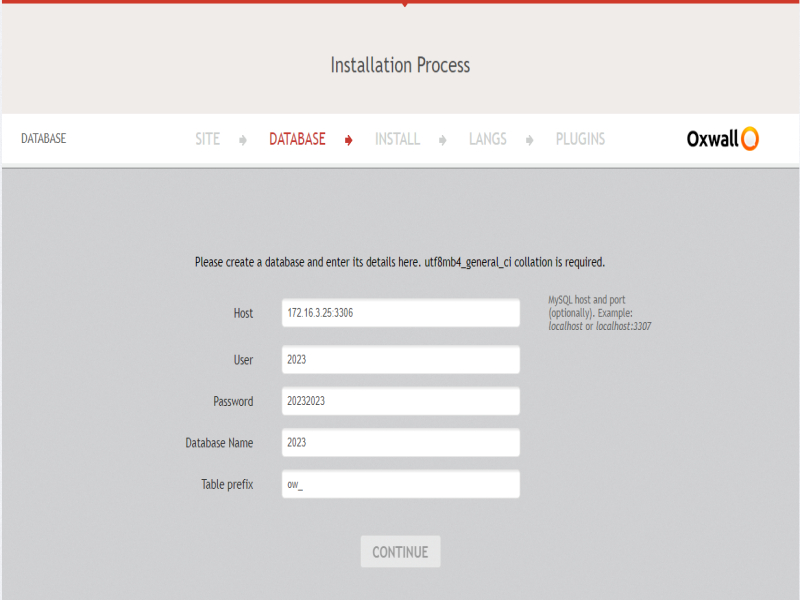
1. Create a database from your server's control panel in utf8mb4_general_ci format, and keep it empty.
2. Carefully note down the database name, password, and access details.
3. Unzip this file in the root directory of your website (usually httpdoc or httpdocs).
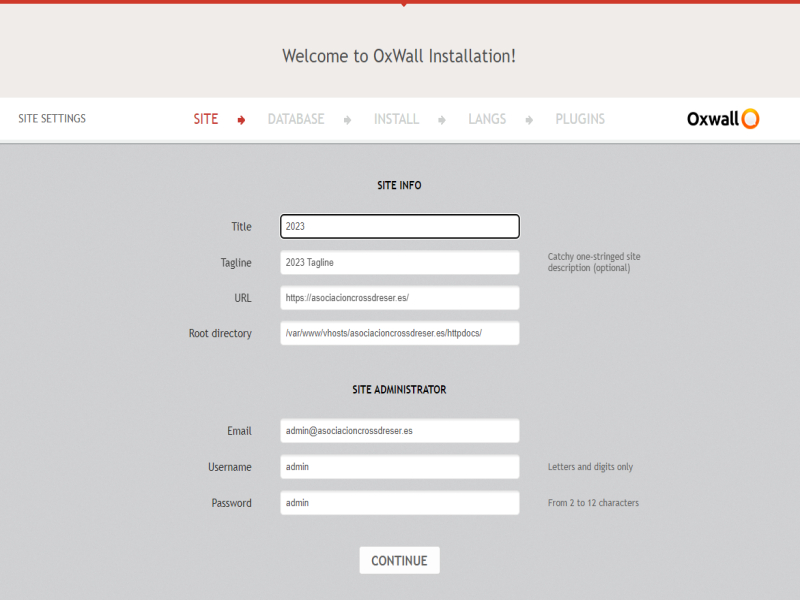
4. Access your website, and the installation script will appear.
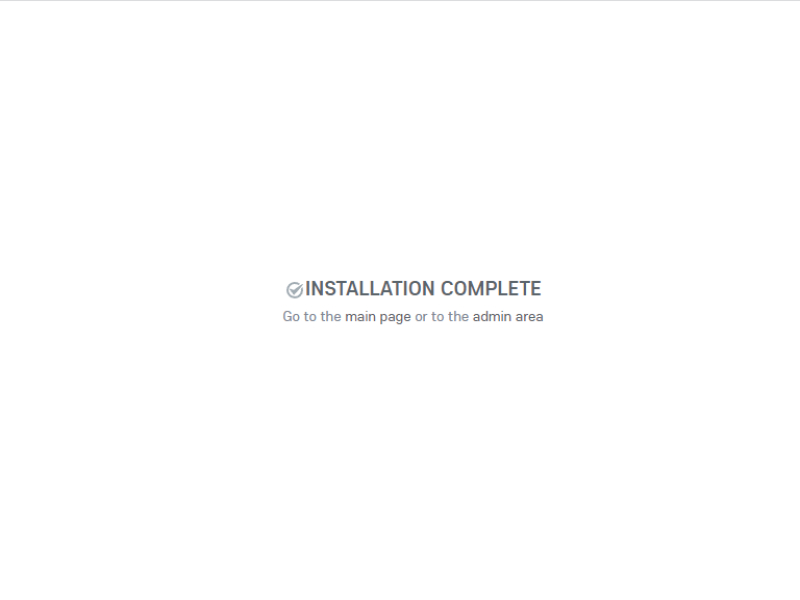
5. Follow the on-screen instructions and carefully note down the username and password you assign to the administrator.
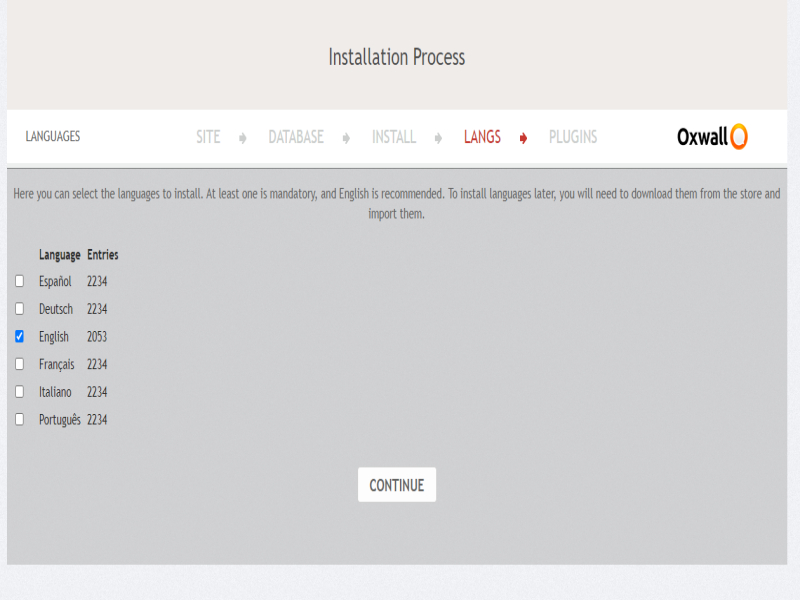
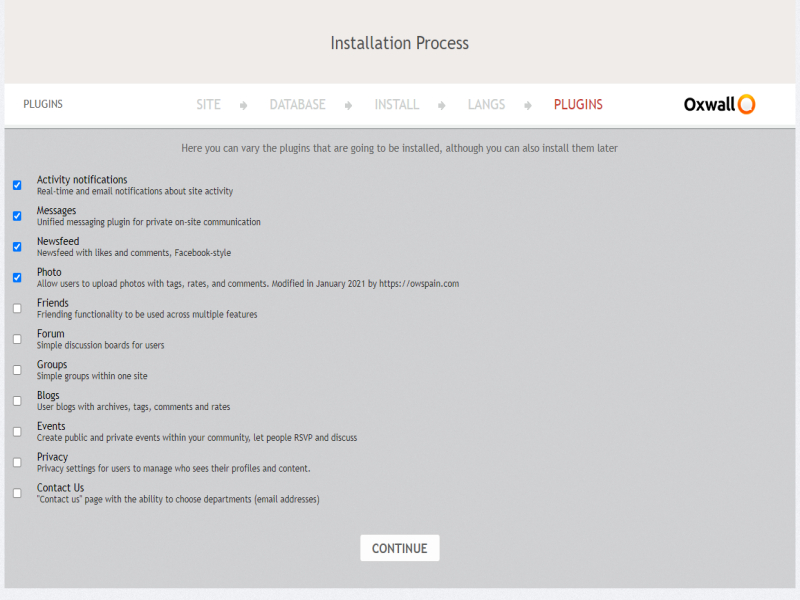
6. We do not recommend adding more plugins or languages than those you will be using.
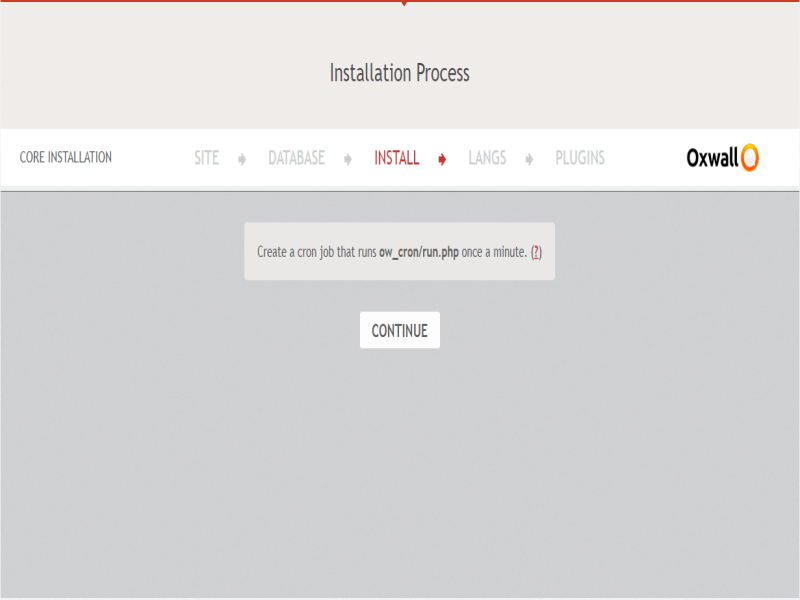
7. Schedule the task scheduler in your server's control panel to execute https://sample.com/ow_cron/run.php every two minutes.

The Wall
Regarding the installation hiccups (the E500 and the security message), it seems like a temporary synchronization issue during the database or plugin setup, but I’m glad you were able to bypass it by stepping back. I will look into those specific triggers to see if we can smooth out the process for PHP 8.3 environments.
As for the Chat, you are correct—currently, it cannot be disabled through the standard settings. This is a known limitation of the current core integration, but I have noted it as a priority for future updates, as I understand many administrators prefer to have that control.
Please continue testing and let us know if you find anything else. Your input is exactly what we need to keep moving forward!Thank you very much for taking the time to test the latest version and for providing such a detailed report of your experience. Your dedication and feedback are incredibly valuable for the continuous ...See more
The current version of OWSpain (1.9.1) was specifically developed for and tested on PHP 8.1. It has not yet been optimized or verified for later versions like PHP 8.2 or 8.3.
The "Fatal Errors" and the need to refresh the installation process are likely caused by deprecated functions or strict type changes introduced in PHP 8.3 that are not compatible with the current core. For a stable and smooth installation, I strongly recommend using PHP 8.1.
I am working on updating the code to support newer PHP versions in future releases, but for now, 8.1 is the required environment.Thank you for sharing the details of your experience. To answer your question: Yes, that is exactly the issue.
The current version of OWSpain (1.9.1) was specifically developed for and ...See more