Store - View Core: OxWall 1.9.1 Complete Package Build 11901
memberads+item_view_images
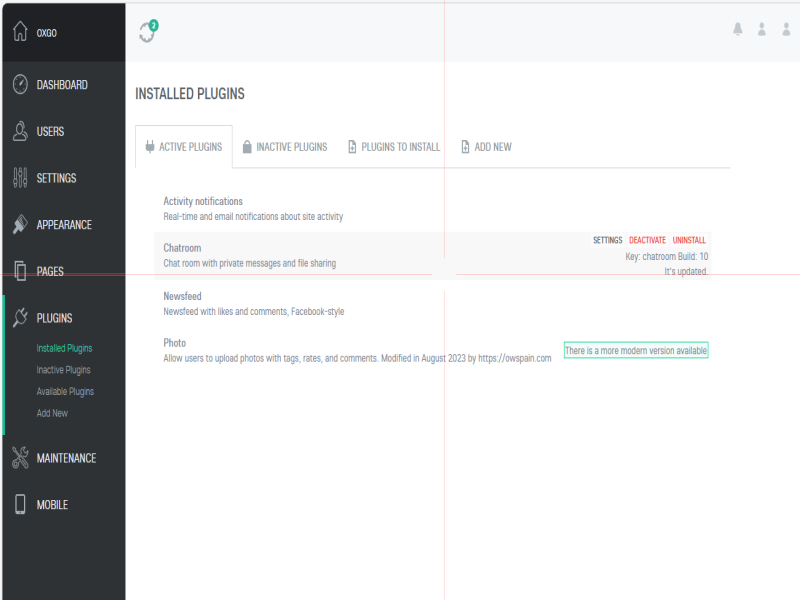
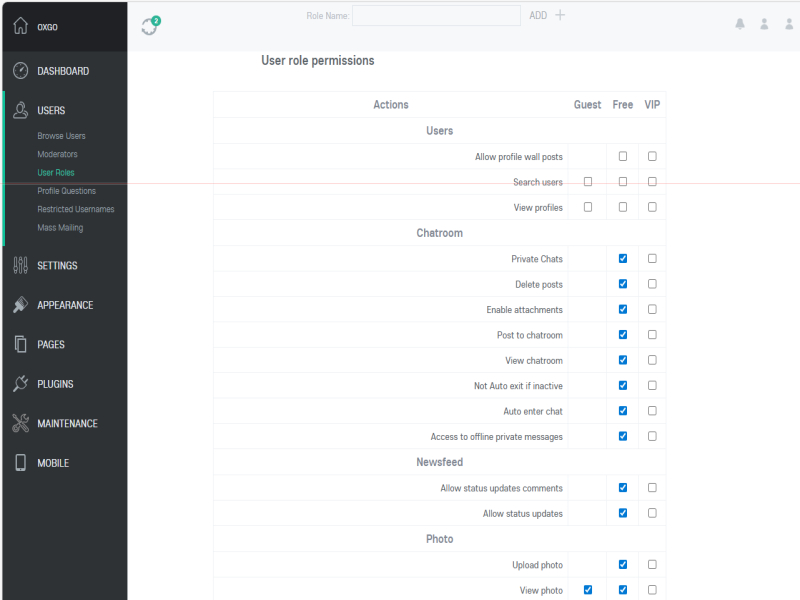
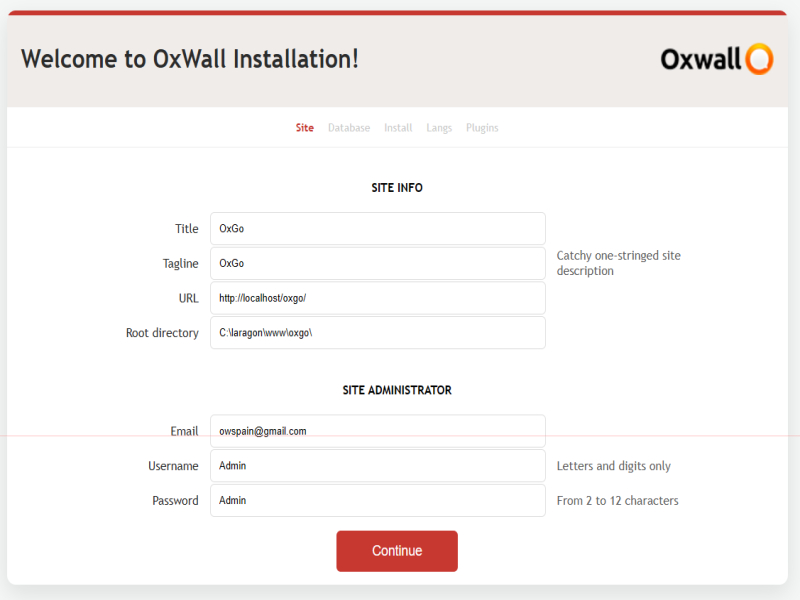
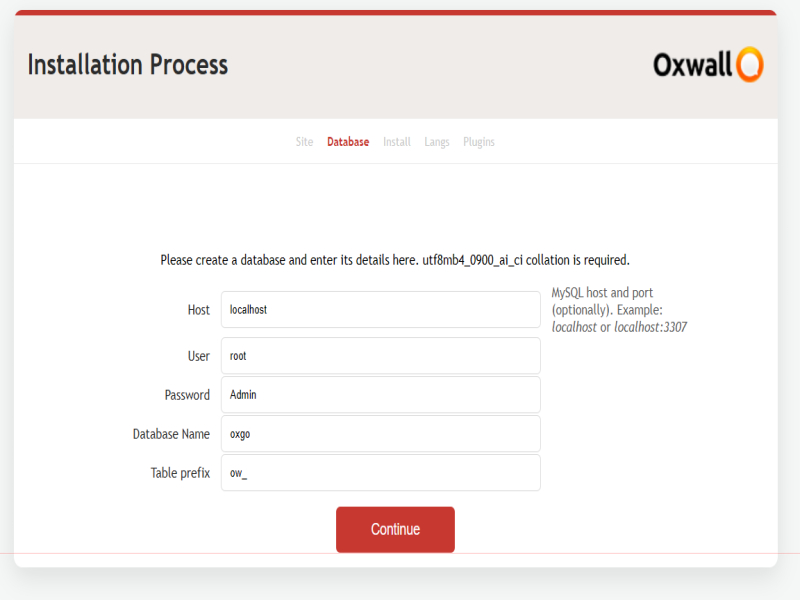
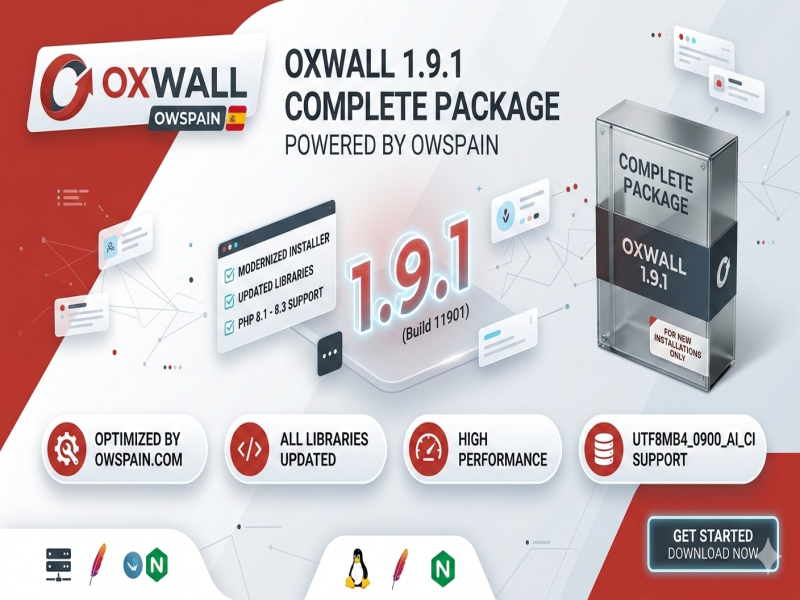
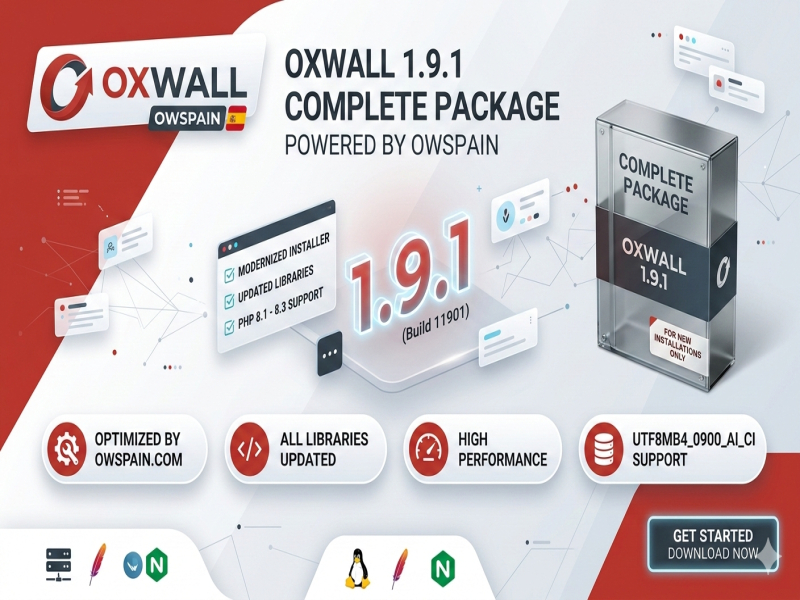
OxWall 1.9.1 Complete Package Build 11901
Experience the most stable and modern version of OxWall to date.
This is the definitive OxWall 1.9.1 (Build 11901) distribution, meticulously optimized by the owspain.com team. We have gone beyond a simple repackaging: we have overhauled the core dependencies and refined the installation flow to ensure compatibility with modern hosting environments.
Note: This package is exclusively for new installations. If you are looking to upgrade an existing site, please download the OxWall 1.9.1 Update Package.? Key Highlights & Improvements
Modern PHP Support: Fully compatible with PHP 8.1 and higher (including PHP 8.3), ensuring better performance and security.
Updated Libraries: All vendor dependencies and core libraries have been updated via Composer to their latest stable versions.
Refined UI: Includes the new responsive installation wizard with improved error feedback and database diagnostics.
Single-File Distribution: Delivered in a clean, high-compression ZIP file for easy deployment.
PHP: 8.1+ (Recommended)
Database: MySQL/MariaDB with utf8mb4_0900_ai_ci collation support.
Web Server: Apache (with mod_rewrite) or Nginx.
Database Setup: Create a new, empty database via your hosting control panel using the utf8mb4_0900_ai_ci collation.
Credentials: Carefully note down your Database Name, Username, and Password.
Deployment: Extract the ZIP file directly into your website's root directory (e.g., public_html, httpdocs, or www).
Launch: Navigate to your domain in any web browser. The smart installation script will detect your environment and start automatically.
Configuration: Follow the on-screen instructions. Pro Tip: Securely store the Admin credentials you create during this stage.
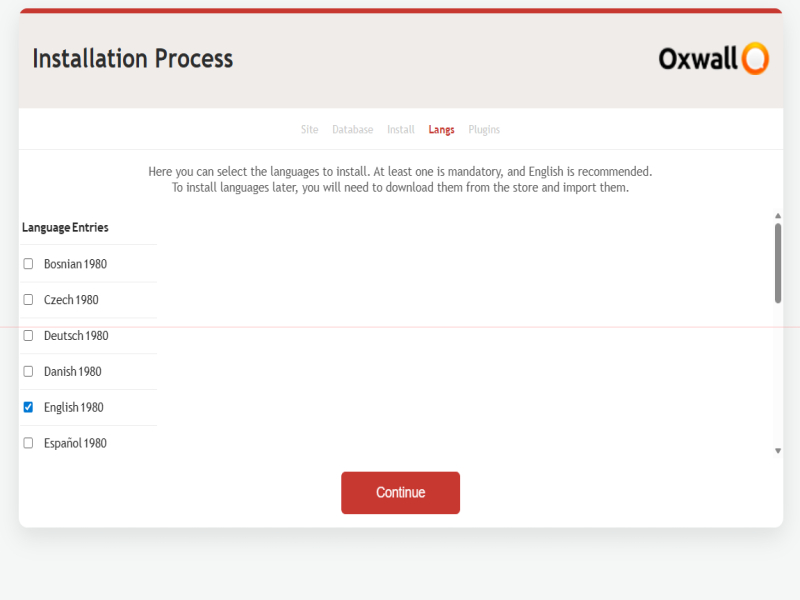
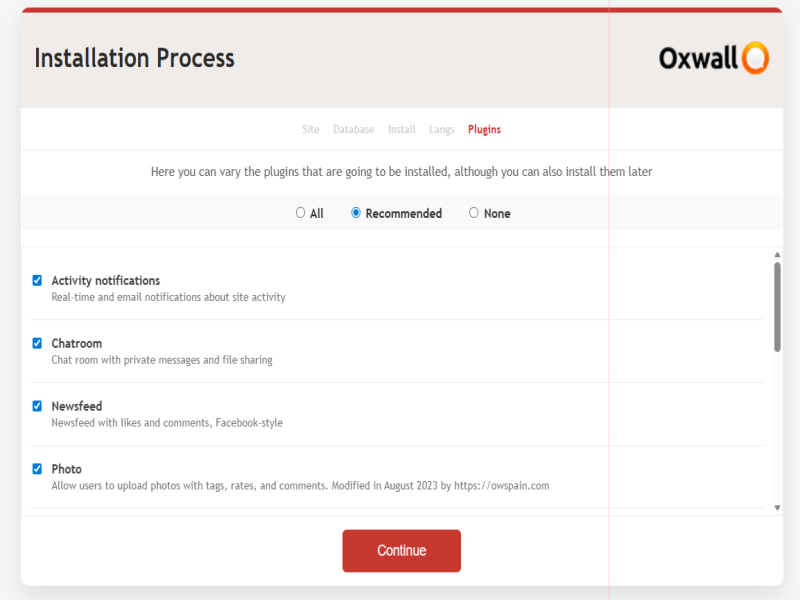
Optimization: To maintain peak performance, we recommend installing only the plugins and languages you strictly intend to use.
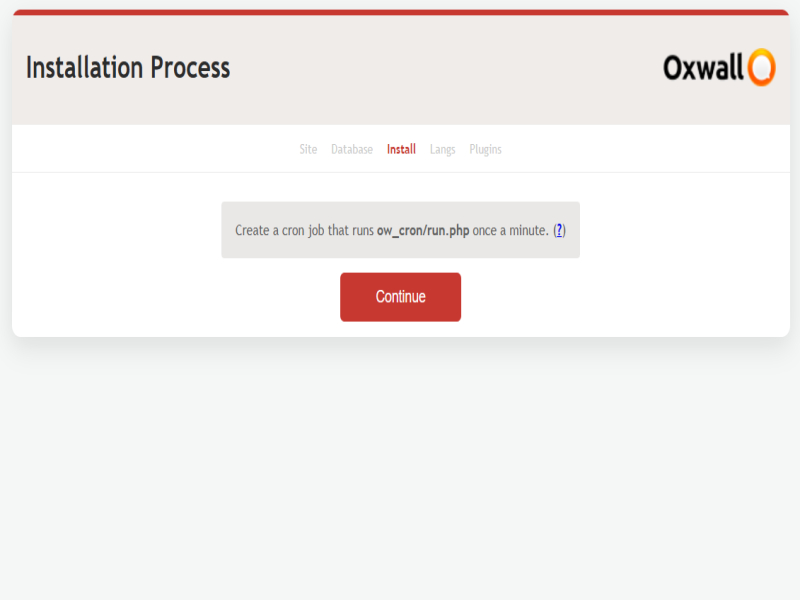
Cron Job (Essential): Set up a Task Scheduler (Cron Job) in your server panel to execute the following URL every 2 minutes: https://yourdomain.com/ow_cron/run.php
Standard OxWall distributions often struggle with modern PHP versions due to outdated libraries. Our edition solves these bottlenecks out-of-the-box, providing a "install and forget" experience for community owners.
The Wall
Regarding your question: Yes, the Oxwall 1.9.1 update available in the store contains all the core features and improvements of this version.
However, there is an important distinction to keep in mind: the update only covers the Core of the platform. It does not automatically update or include third-party plugins. Any plugins you have must be installed or updated individually from the Plugins section within your Administration Dashboard.
Always remember to perform a full backup of your database and files before running the core update to ensure your customizations stay safe!Hi oldman! It's great to see you exploring the new version.
Regarding your question: Yes, the Oxwall 1.9.1 update available in the store contains all the core features and improvements of ...See more
utf8mb4_0900_ai_ci is not a file you can import; it is a Collation (a set of rules for comparing characters) specific to MySQL 8.0+. You don't need to 'find' it, your MySQL server handles it automatically if it’s the correct version.
Regarding the SQL files:
Full Installation: The SQL structure is included, but you should not import it manually via phpMyAdmin. The standard install/ script handles the entire database creation for you.
Update Version: This package does not include a full SQL file because it uses your existing database. The ow_updates/ script is responsible for modifying your current tables to the new version.
My advice: Please avoid manual database manipulations if you are not experienced with Collations. If you are performing an update, the most important step is to create a full backup of your files and database before running the update script. Let the automated tools do the work!Hi! It seems there is a bit of a misunderstanding regarding SQL files and Collations.
utf8mb4_0900_ai_ci is not a file you can import; it is a Collation (a set of rules for comparing ch...See more
The software doesn't 'require' that specific sorting rule to function. If your hosting provider uses MariaDB, you can simply adjust your database or table settings to use a more universal standard:
Recommended: Use COLLATE utf8mb4_general_ci. This is the most compatible version and works flawlessly on both MariaDB and older MySQL versions.
Fallback: If you want to keep it even simpler, just use utf8mb4.
Since Oxwall mainly uses alphanumeric characters for core functions (like usernames and URLs), you won't notice any difference in performance or stability. Just make sure to set your collation before running the installation or update, and you’ll be good to go!Hi! Don't let the collation settings stop you from upgrading. While utf8mb4_0900_ai_ci is indeed a MySQL 8.0 specific standard, Oxwall is perfectly capable of running on MariaDB.
T...See more
As for the "localhost" notification, the installer usually detects the server environment automatically; if you are trying to install it on a live server and it still says "localhost," there might be a configuration mismatch in your server's host settings or the config.php file.
To give you the best support, I suggest you:
Open a new topic in the community forum: This is the best place for technical troubleshooting as it allows for a more detailed discussion than the product wall.
Attach screenshots: Show us the configuration screens and the exact error messages you are seeing.
Provide logs: If you have access to your server's error logs, those are incredibly helpful for us to study the root cause.
We want to get this working for you as soon as possible!Could you please provide a few more specific details about the error? Specifically, at what stage does the installer stop, and are you seeing any particular error codes or logs?
As for ...See more