Store - View Core: OxWall 1.88 Complete Package
memberads+item_view_images
OxWall 1.88 Complete Package
This is the complete package of OxWall 1.88
You need a PHP version greater than 7.0
It includes:
* installation files
* the English language file
* the following themes:
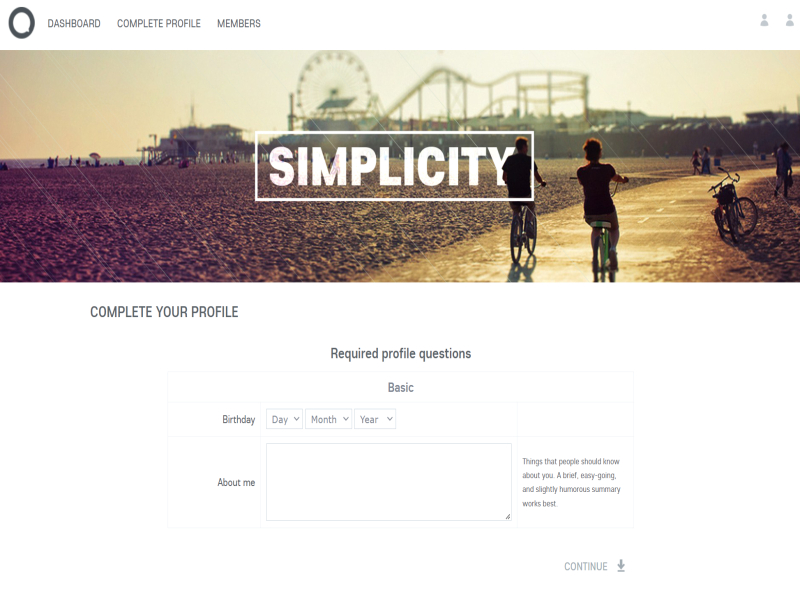
- Simplicity
* the following installable plugins:
- Activity notifications
- Blogs
- Contact Us
- Events
- Forum
- Friends
- Groups
- Messages
- Newsfeed
- Photo
- Privacy
Everything is updated to the latest versions.
The installation is very similar to OxWall 1.84, only some screens have been simplified.
1. Upload it to your hosting account root folder (for ex.: /public_html/, /httpdocs/,etc.) via FTP
2. Go to Cpanel > File Manager and Extract the archive
3. If you don't have Cpanel installed for your hosting server, login to your server account via SSH. Go to the folder containing the package archive using a cd command.
Use the following command to unpack the archive: unzip package-name.zip
4. Go to Cpanel and create a new MySQL database.
5. Create a database user.
6. Add the user to the database.
7. Give all privileges to the user.
8. Type www.yoursite.com/install in your browser.
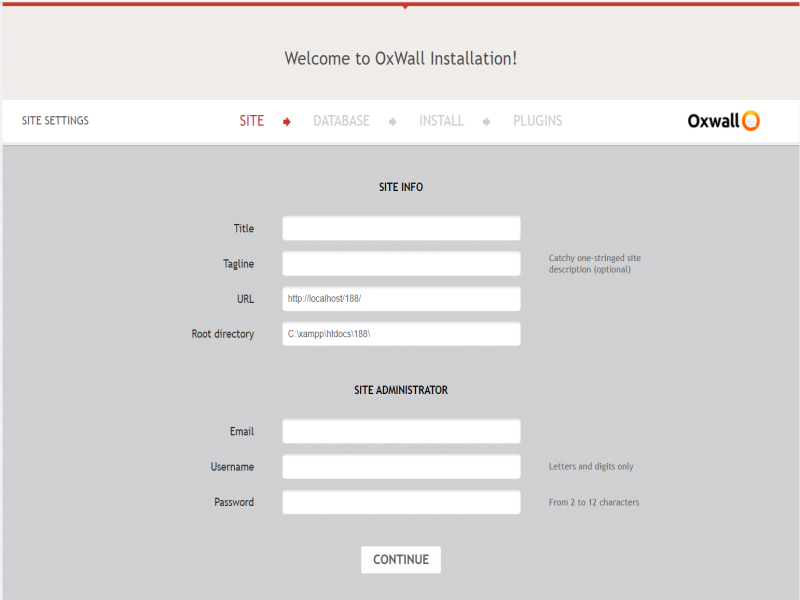
9. Enter your site information.
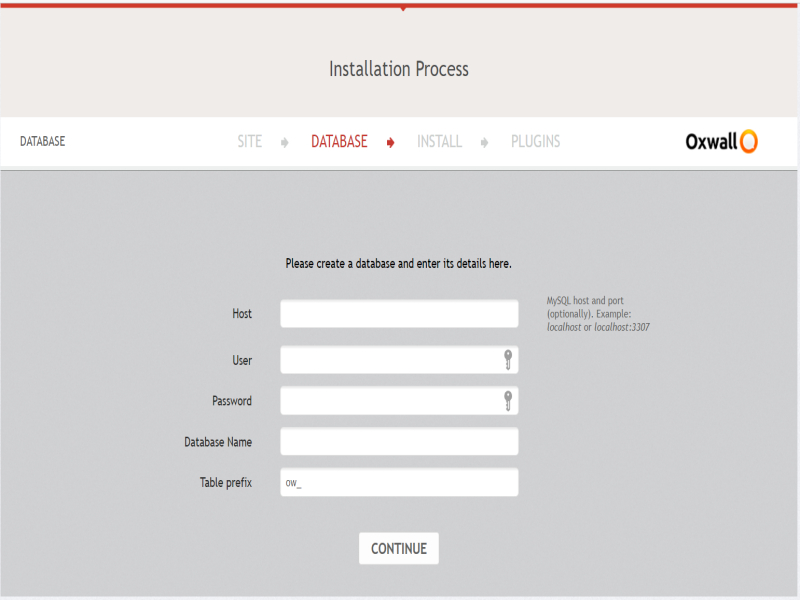
10. Enter your Database access details.
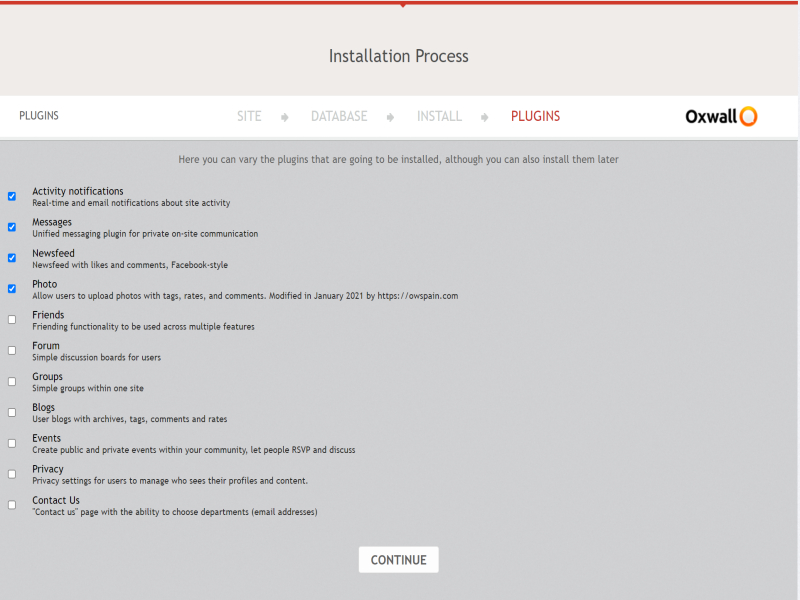
11. Select the plugins you want to install.
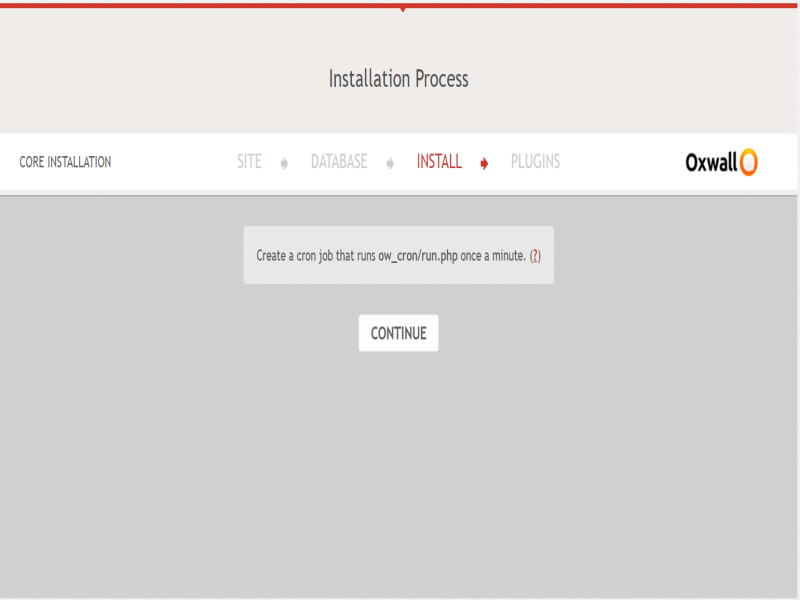
Note: Don't forget to set up a cron job.
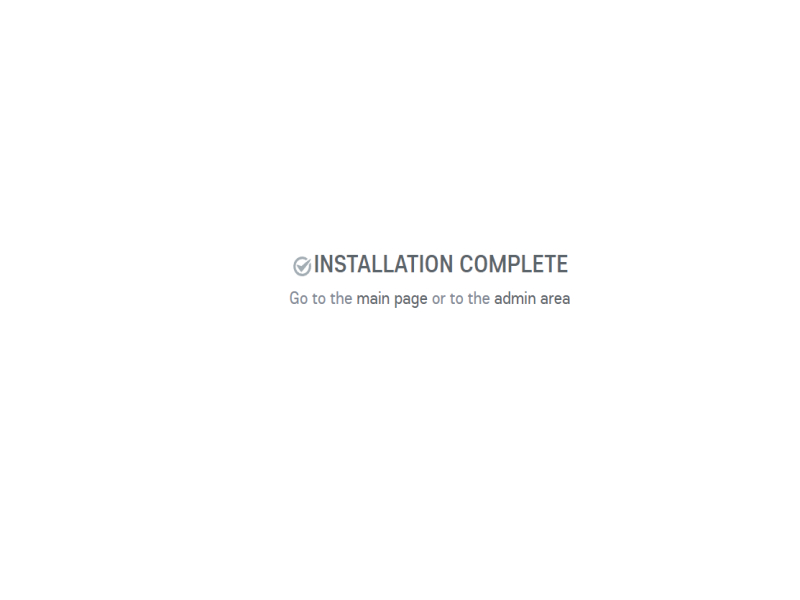
The installation process has been successfully completed.

The Wall